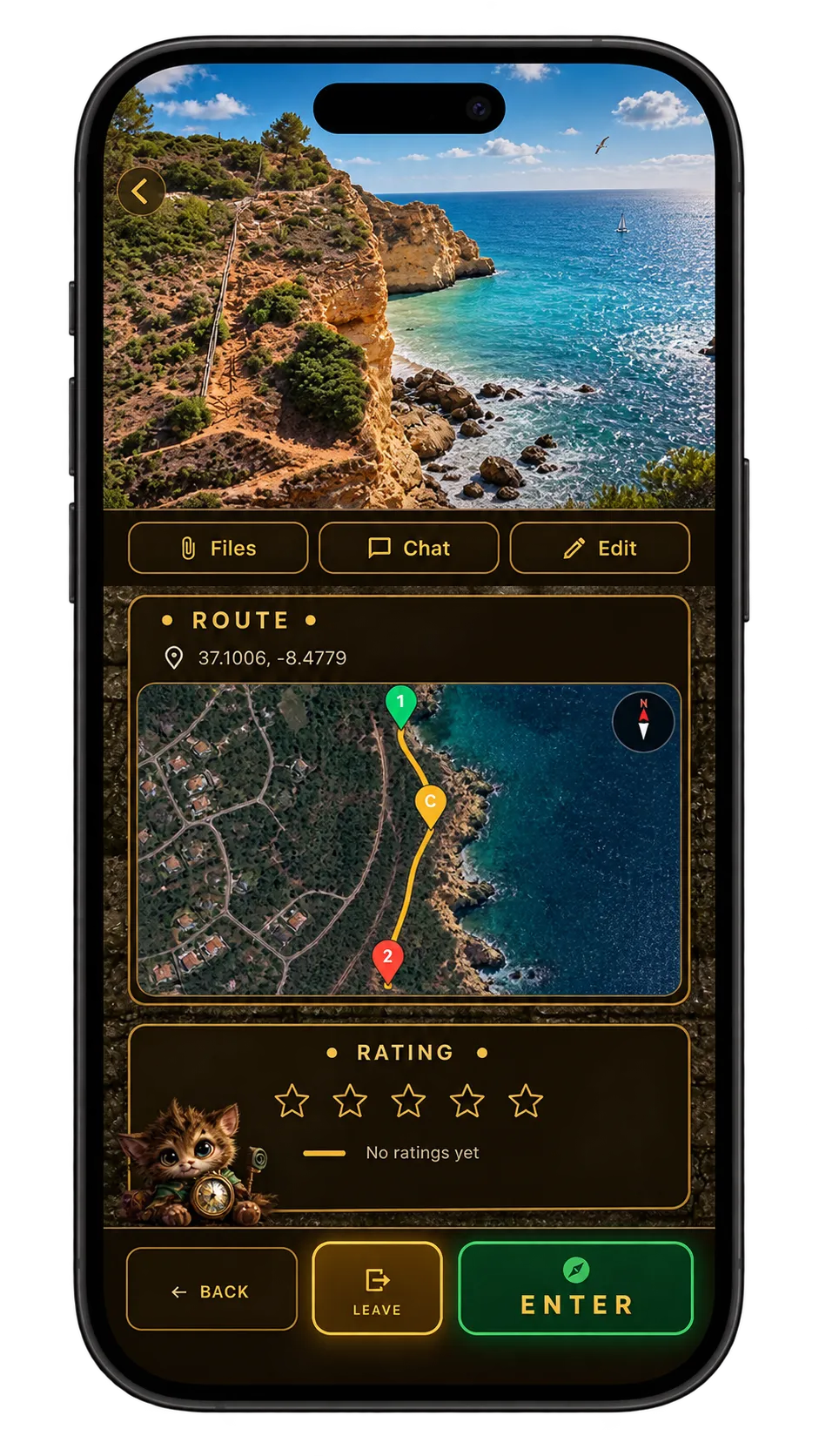
QUEST DETAILS
Every quest opens here first. It is the screen where you decide whether to take part, and — if it is yours — where you manage it. Scroll to the bottom and the slide control puts you in.
What the quest is
The top of the details screen carries the title, the description written by whoever built the quest, and the media slider holding every image uploaded to it. Between them they tell you what kind of walk this is before you commit to it.
If the quest is yours, a delete option sits at the bottom of this screen. It removes the quest for everyone, so it is deliberately out of the way.
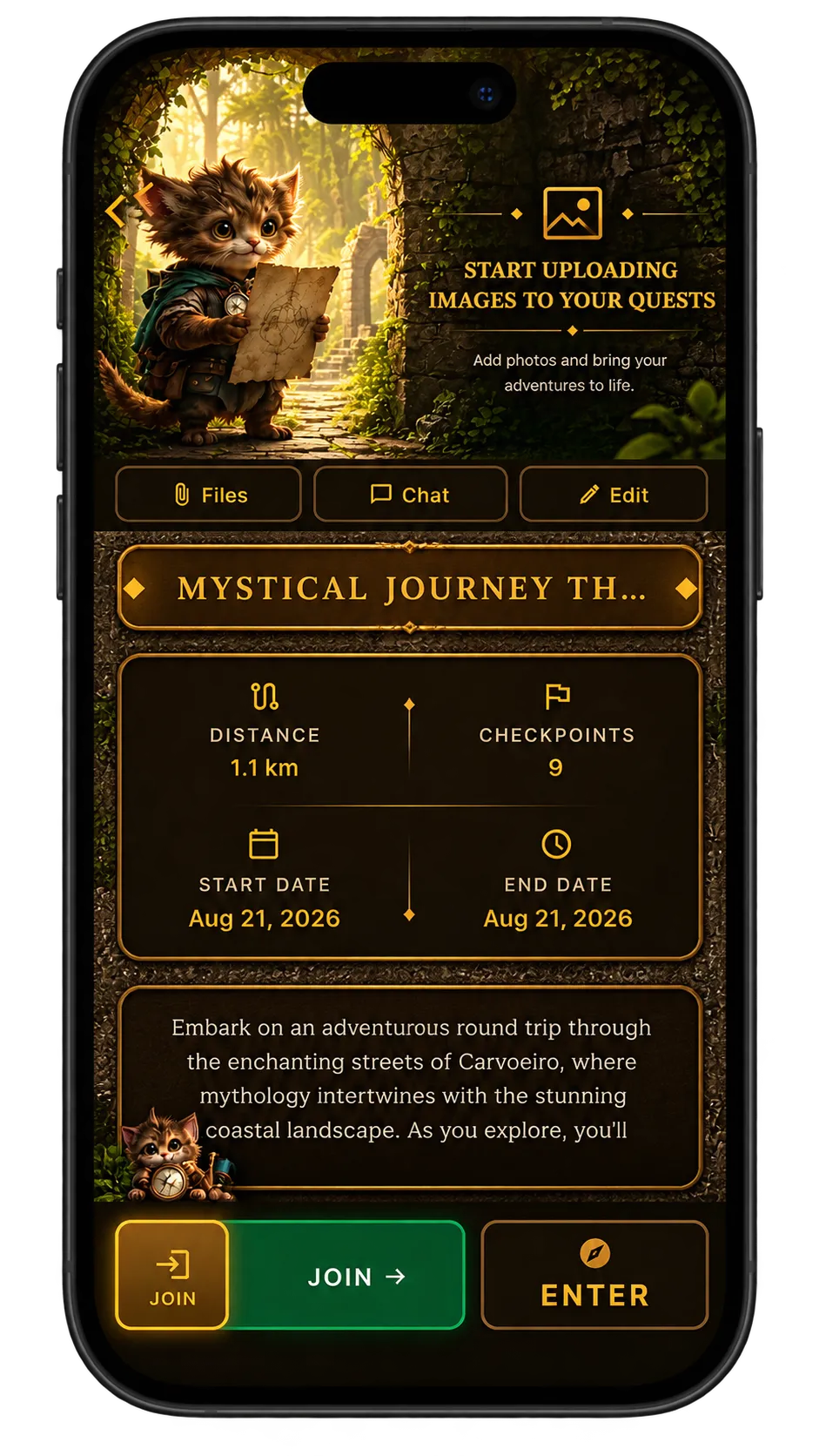
Talk, check the route, then slide to join
Lower down sits the chat for everyone taking part, and the upload control for files and images — anything added there feeds the media slider at the top. Owners get edit access from here; everyone else gets a report option instead.
A screenshot of the route and its checkpoints shows the shape of the walk, and the checkpoint list underneath expands if you want to see them one by one.
The slide-to-participate control at the very bottom is the last gate. Until you slide it, you are only reading about the quest.