FLAG RAIDERS
Two teams work the same route at the same time. Green and red flags are scattered across the checkpoints; each team captures its own and carries them to the Tower. The first team to bring in all of its flags wins.
FROM THE HOME SCREEN
Two players, one preview card
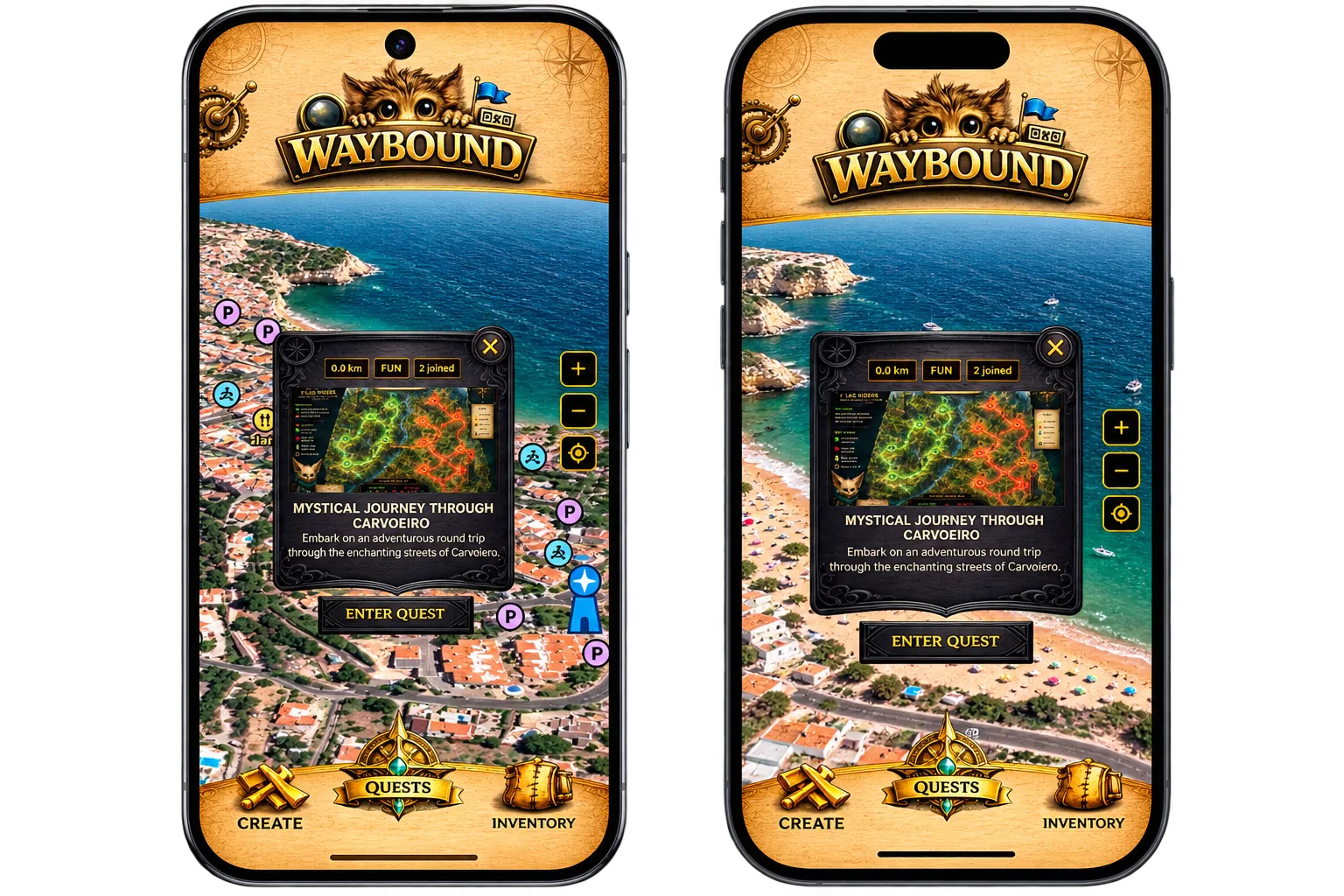
A Flag Raiders challenge starts the same way any quest does: from its preview card on the home screen. The card carries the title, the images uploaded to the quest, and enough detail to tell whether it is worth the walk.
You can enter the quest straight from the card. Here two players are about to do exactly that, which is the state every match begins in.
DETAILS SCREEN
Read the ground before you play it
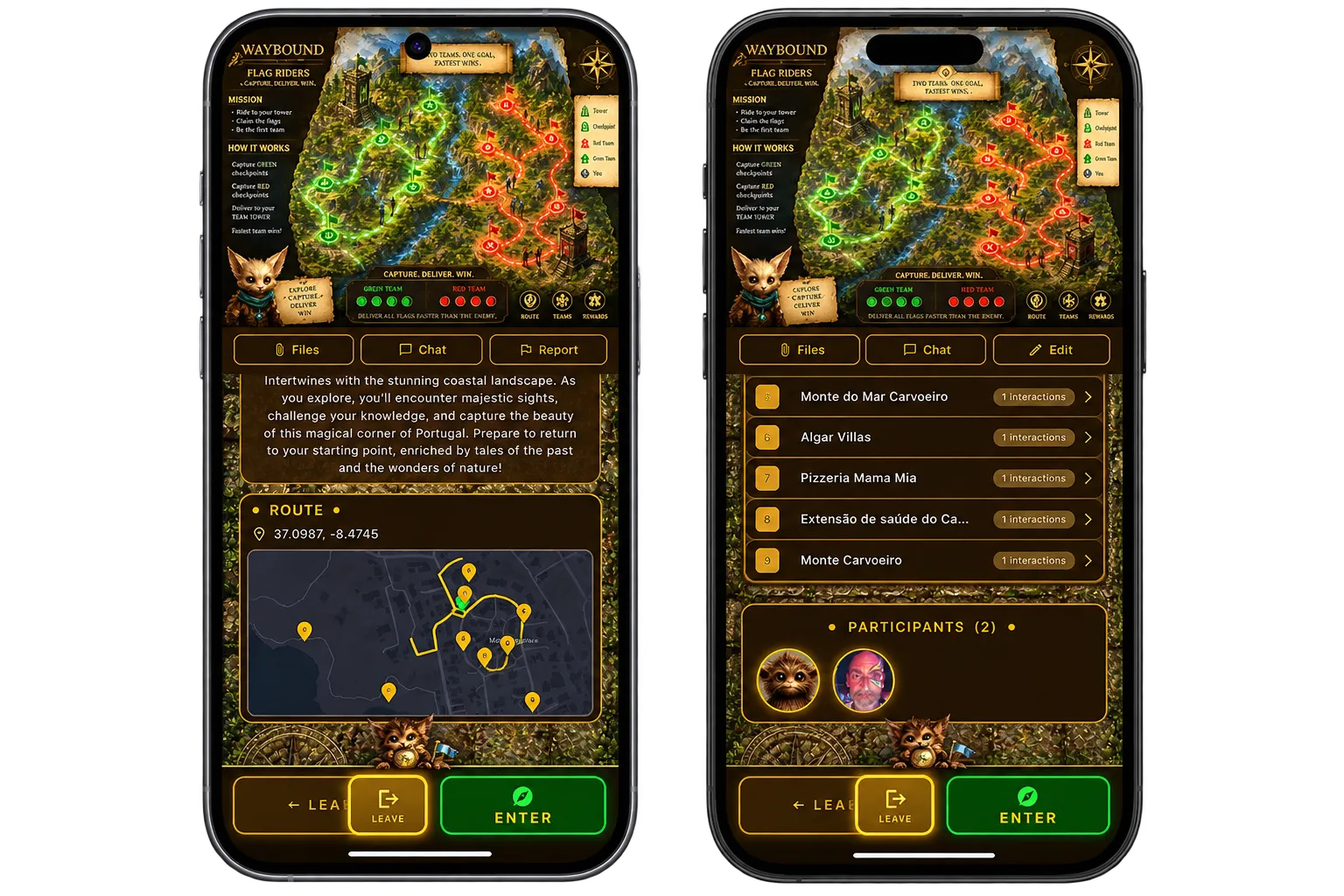
Entering the quest opens its details screen: the route and its checkpoints, the chat both teams share, and the media slider. Uploading images here adds them to the slider — and they then appear on the preview card back on the home screen, so a well-photographed quest advertises itself.
This is the last screen before committing. Check the route length and the checkpoint count against how much time you have.
THE LOBBY
Join red or green
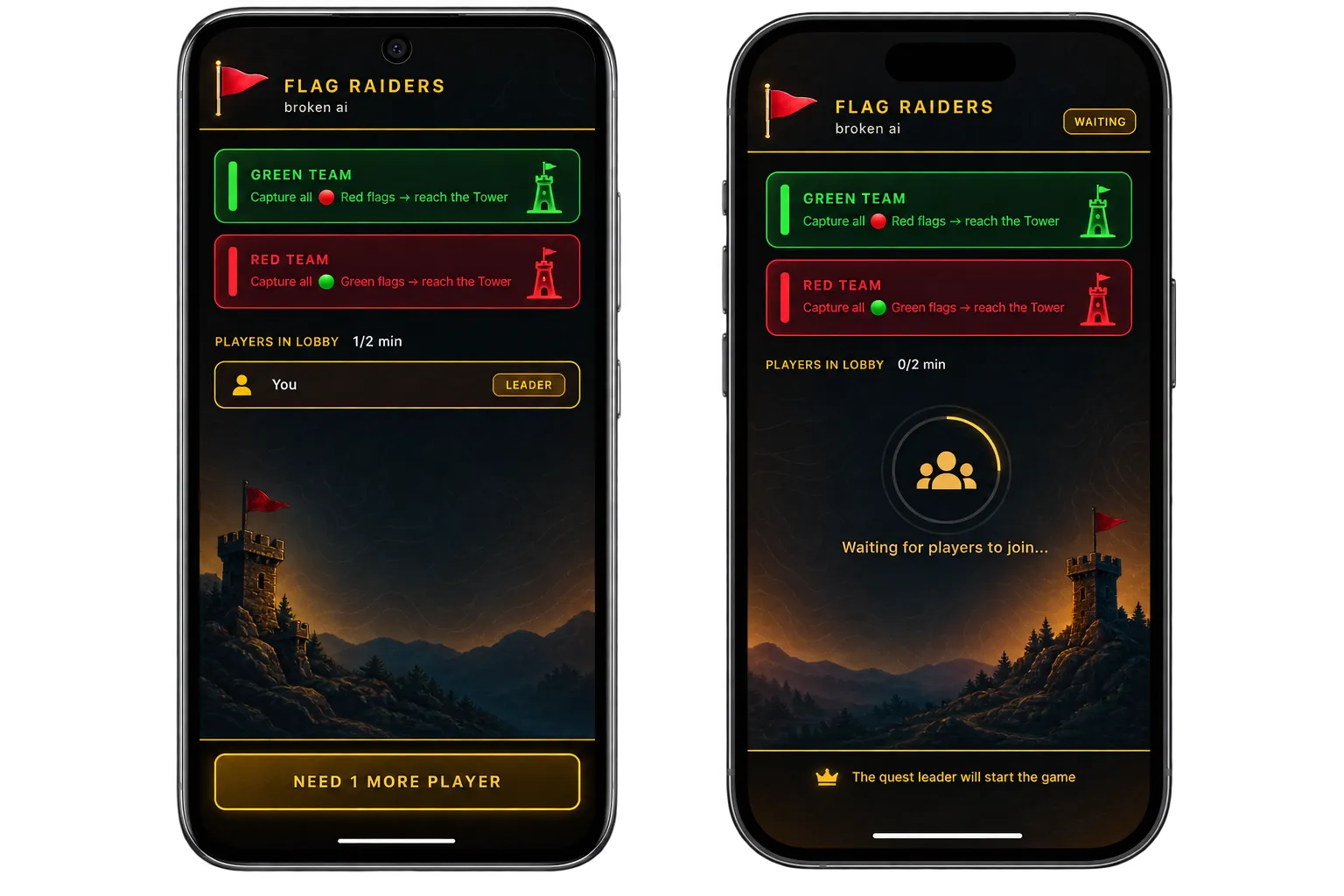
In the lobby everyone picks a side. Both team lists are visible, so you can balance the sides before starting rather than discovering the mismatch on the map.
Flag Raiders needs at least two players. Below that, the mode has nobody to raid.
ENTERING THE MAP
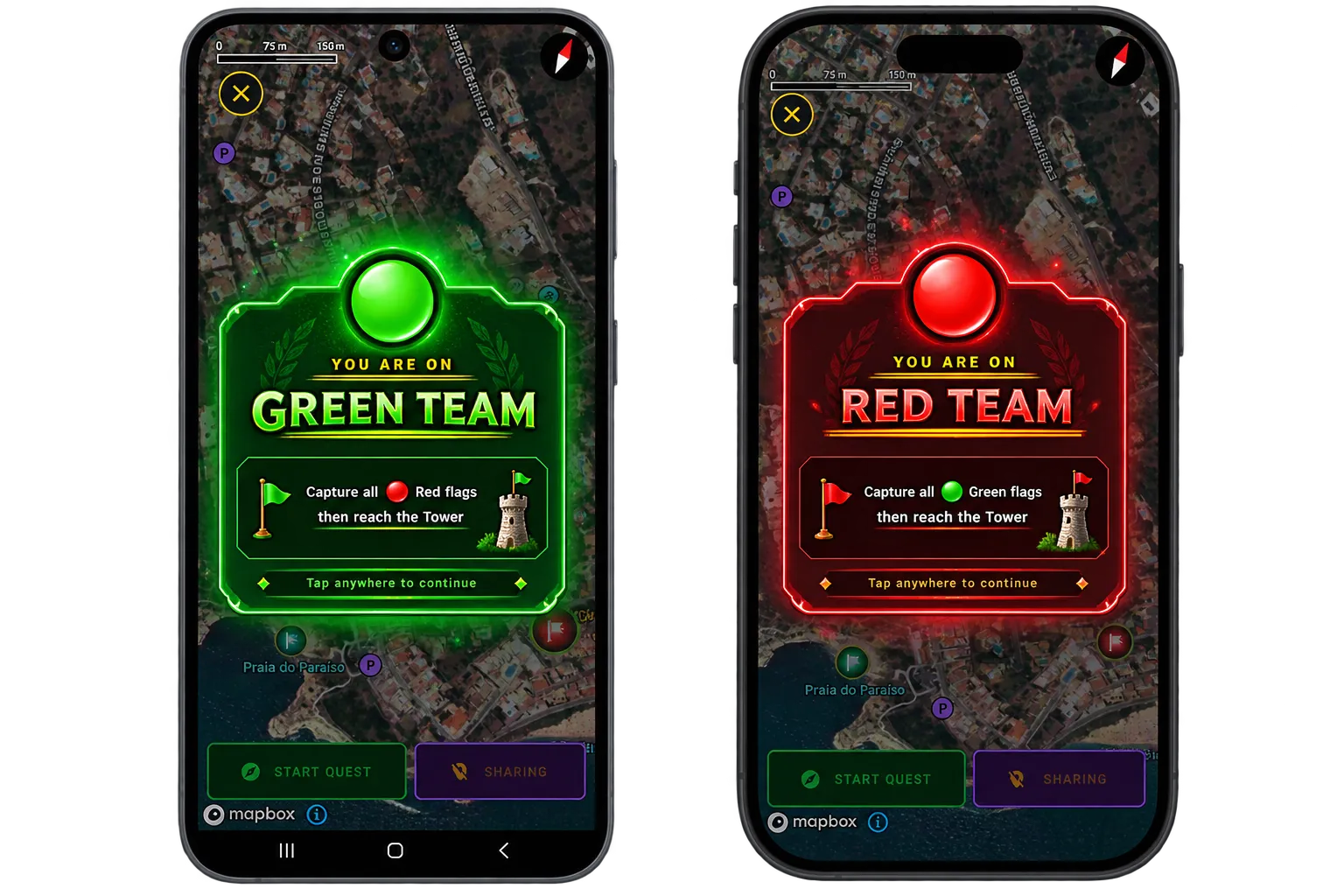
A banner confirms your team
When the leader starts the game, everyone is moved to the map and a banner names the team you are playing for. It is the moment the match becomes live, and it is worth waiting for before you start walking.
From here the colour on your banner is the colour of the flags you are hunting.
CAPTURE AND DELIVER
Take your flags to the Tower
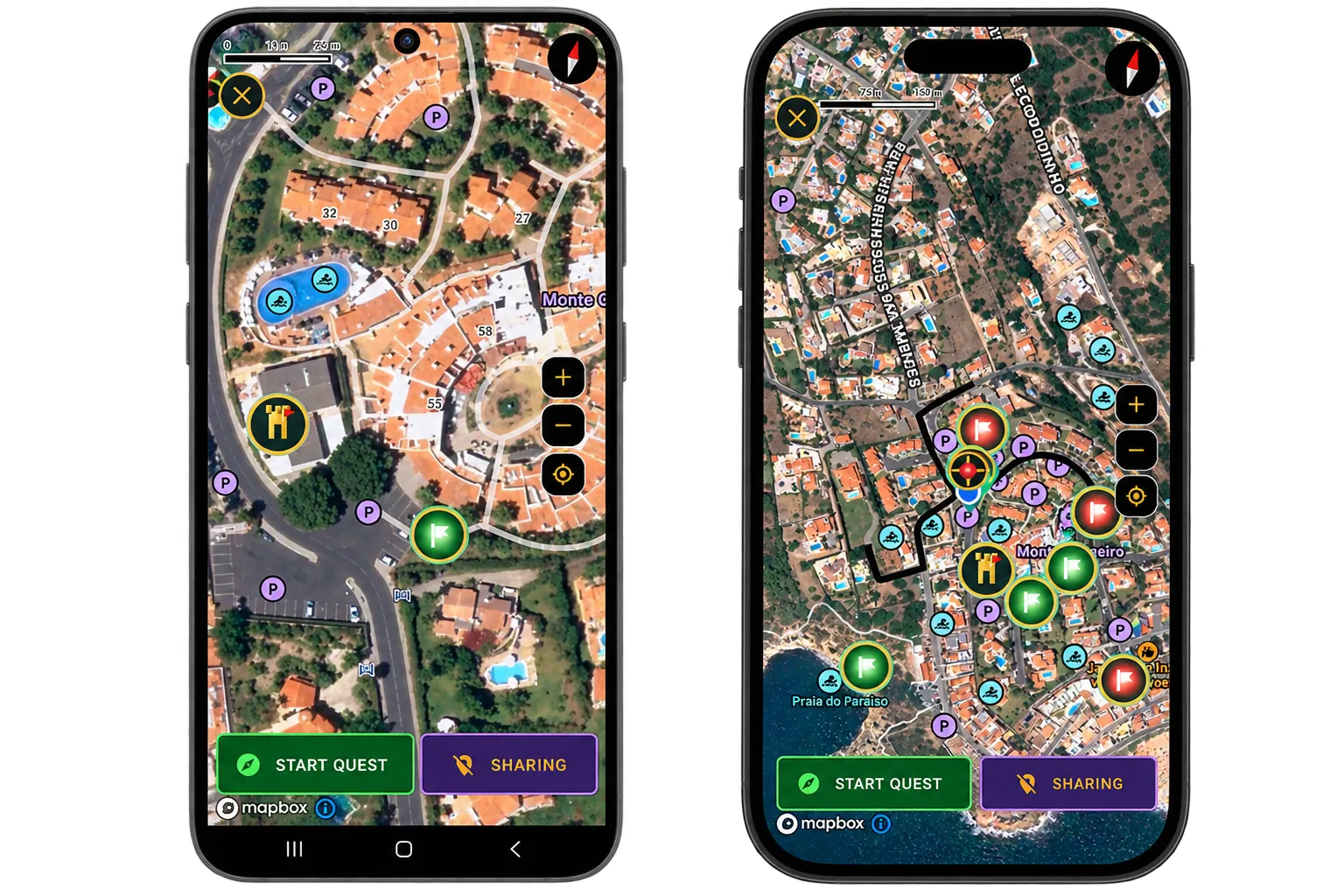
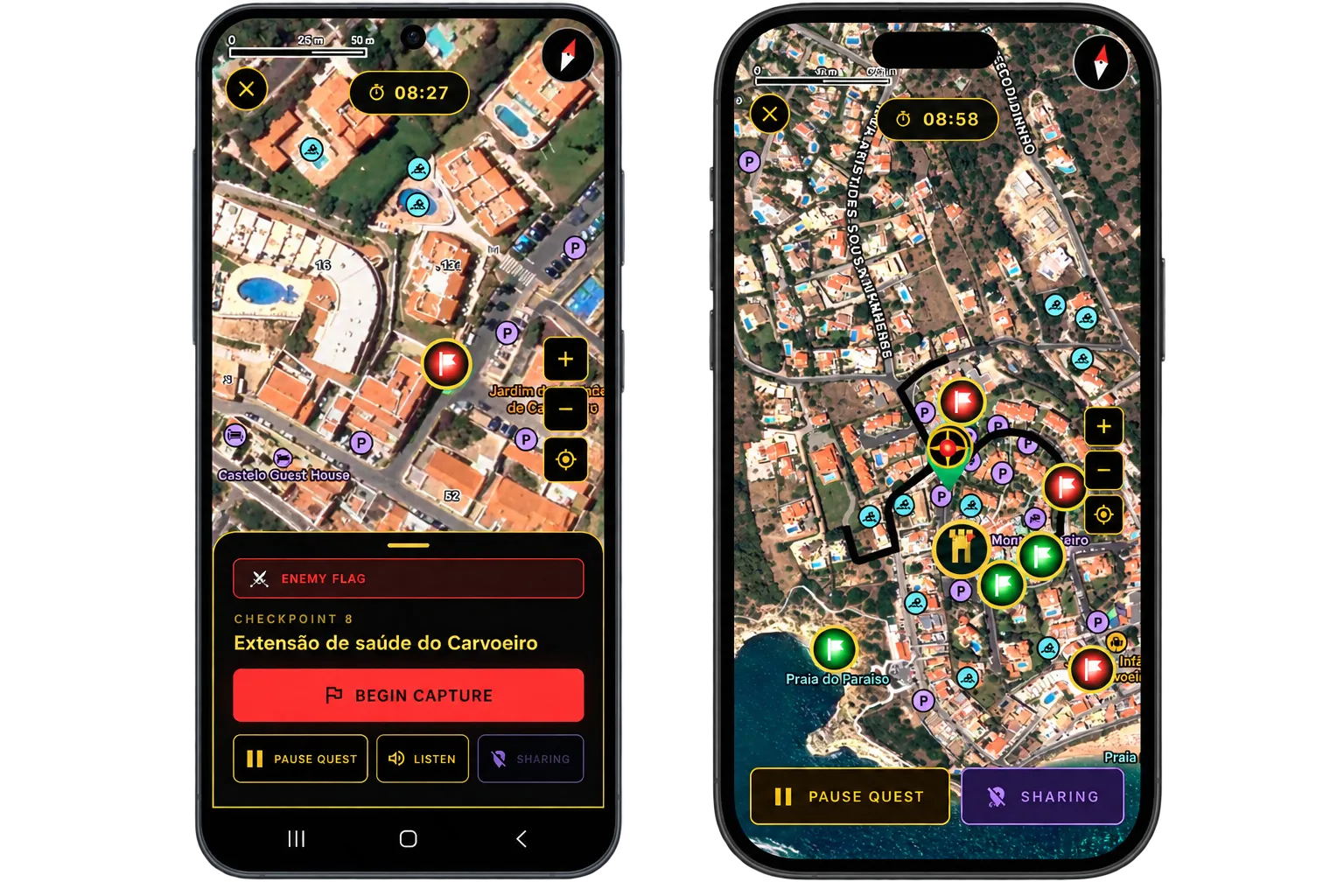
The map shows green and red checkpoints. Yours are the ones in your team's colour: reach one, capture the flag, and carry it to the Tower. Delivered flags are what count — a captured flag still in your hands has not scored yet.
Because both teams share the map, you can watch the opposition's checkpoints fall and decide whether to race or to reroute.
GAME OVER
One match, two endings
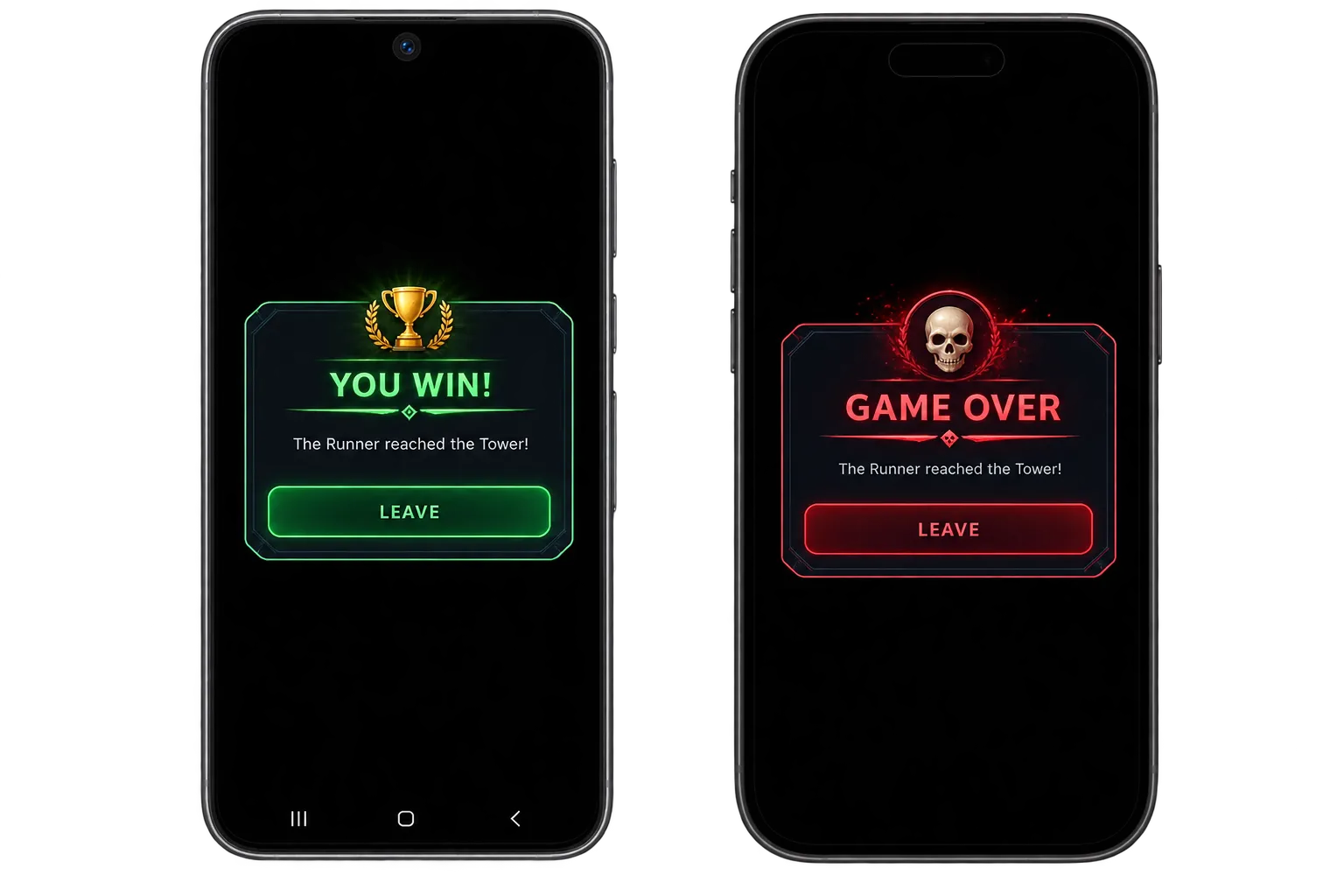
The team that captures all of its flags and reaches the Tower takes the match. Both sides get a closing screen, but not the same one: winners and losers each see their own banner.
Anything earned along the way lands in your Inventory afterwards.